How to Request a Quote
Custom product pricing & additional stock
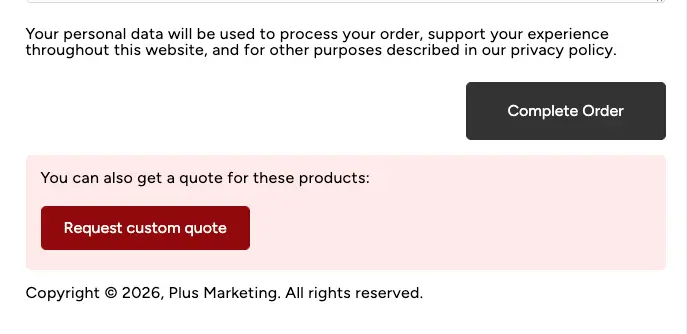
Whether you’re looking to order more stock than we have currently available, or are looking to get a bulk order discount, you can easily request a quote by doing the following:
- Add the items you want to your cart, then head over to checkout.
- At the bottom of the checkout page, you will see a red box that you can complete to send us your quote request!
Shipping Quotes
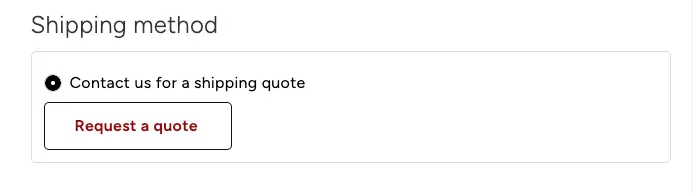
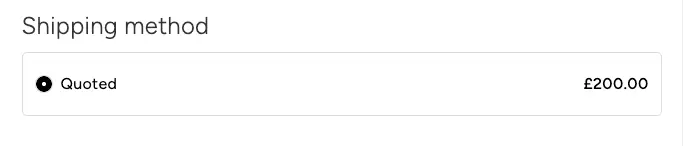
If you’re looking to order and you’re from outside of the United Kingdom, you will notice that once you’ve supplied your address on the Checkout page, you will be required to request a quote. Clicking this will send us a message with your cart information and address. You will receive an email once we’ve set your shipping quote, then you can back to the Checkout page and Complete your order.